
Big money —
without the fortune.
A collection of wallets and banks whose balance, transactions and notifications you set yourself. They install on the iPhone and Android home screen and behave like the real thing.
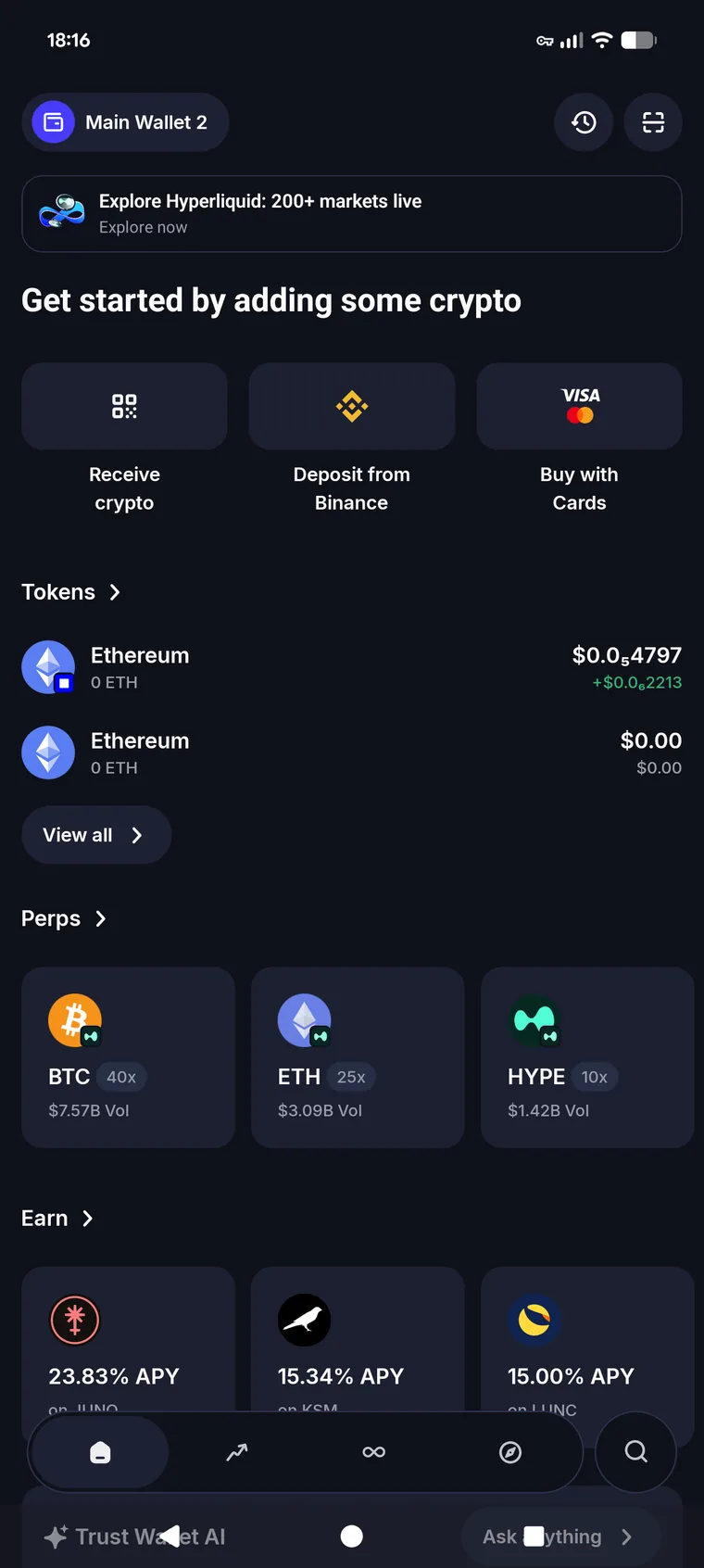
Wallets and banks
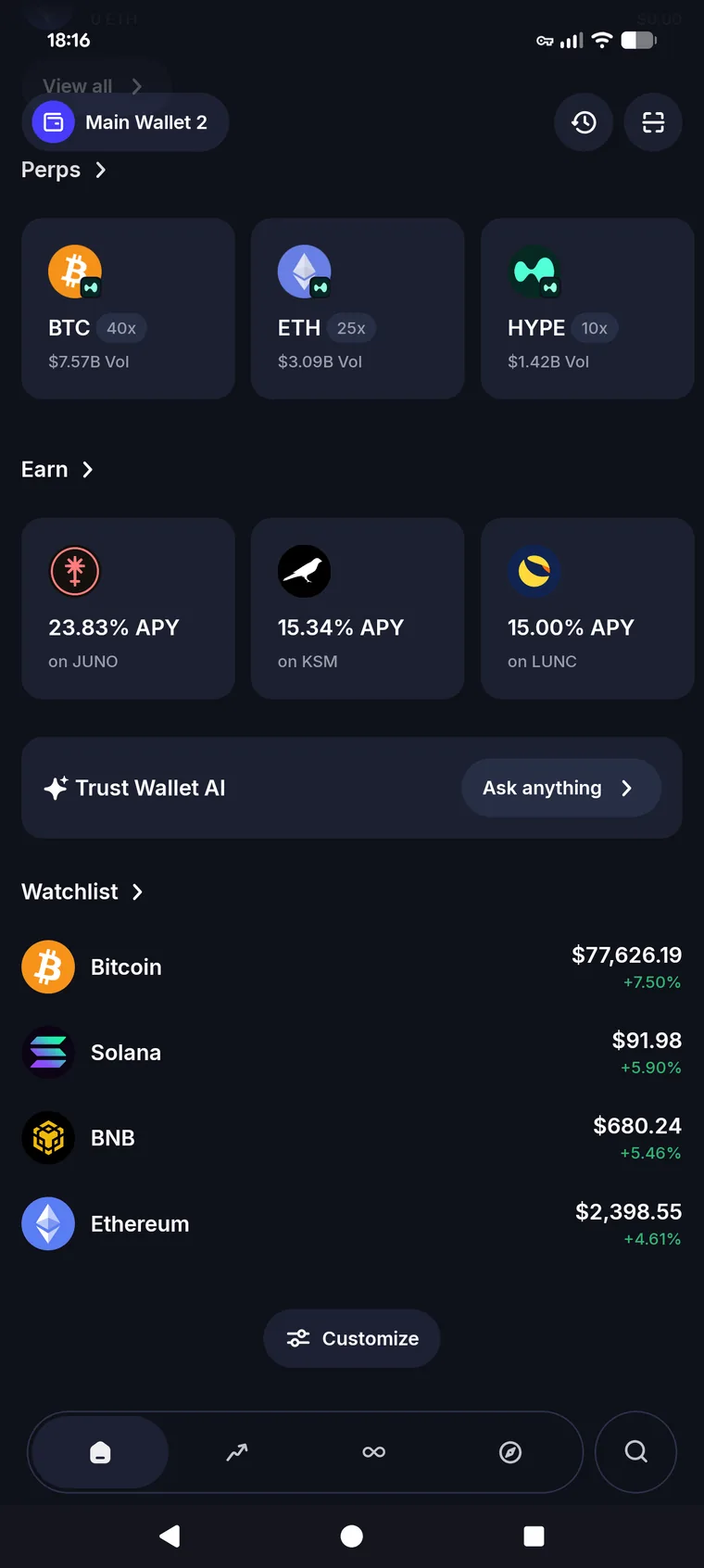
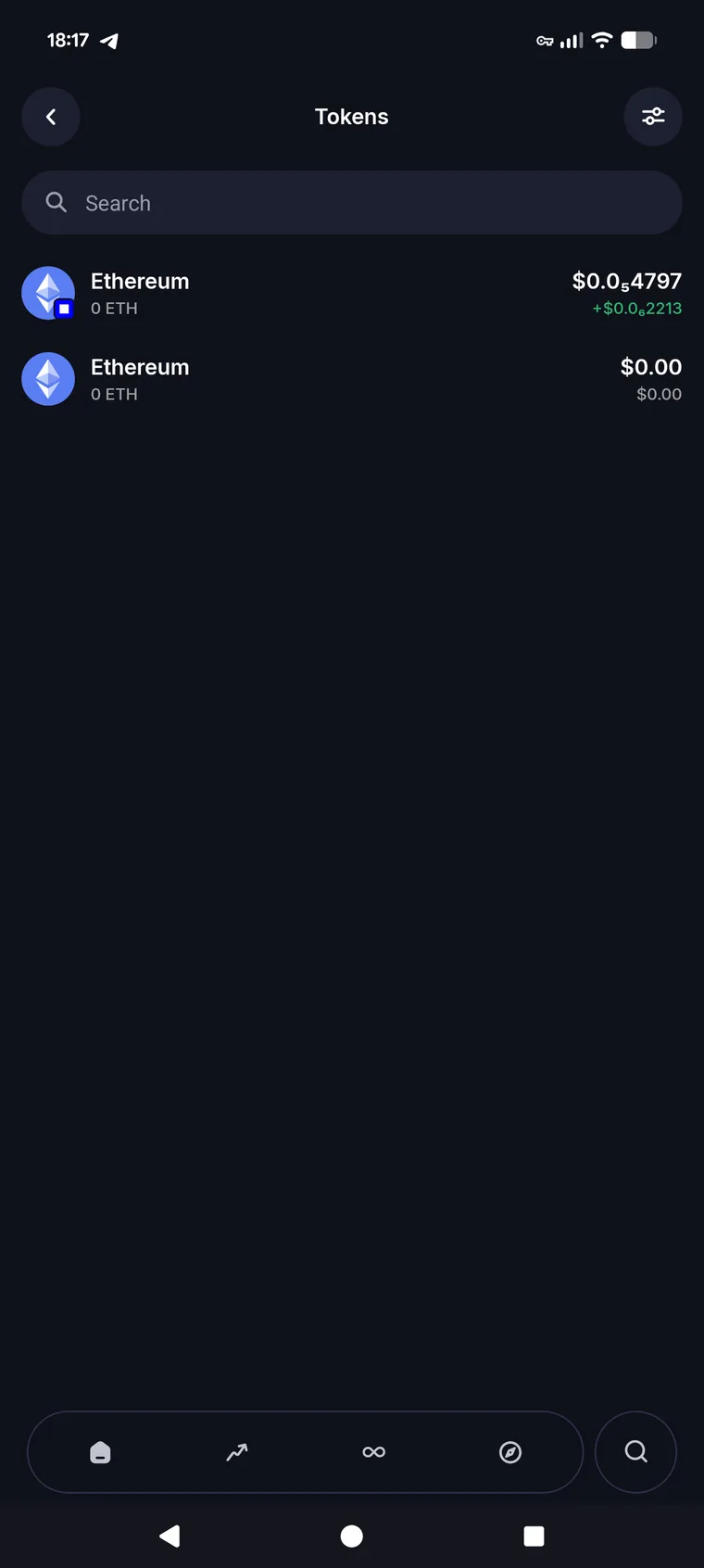
Trust Wallet, Phantom and Green Bank work today, the rest are queued. One subscription opens all of them.
 Trust WalletCrypto wallet
 PhantomCrypto wallet
 Green BankBank
Need a different bank or wallet? Tell us and we will add it to the queue.
What you can set
Balance
Any amount, in roubles, dollars or coins. Rates are pulled live, so the figures add up.
Transaction history
A run of small ones, a couple of large ones, across a week or a year — per coin.
Notifications
Push with the amounts and frequency you choose. They keep arriving while the app is closed.
Installation
A real app on iOS or Android.
Push waves
The schedule lives on the server, so notifications arrive even with the app closed. Try it right here.
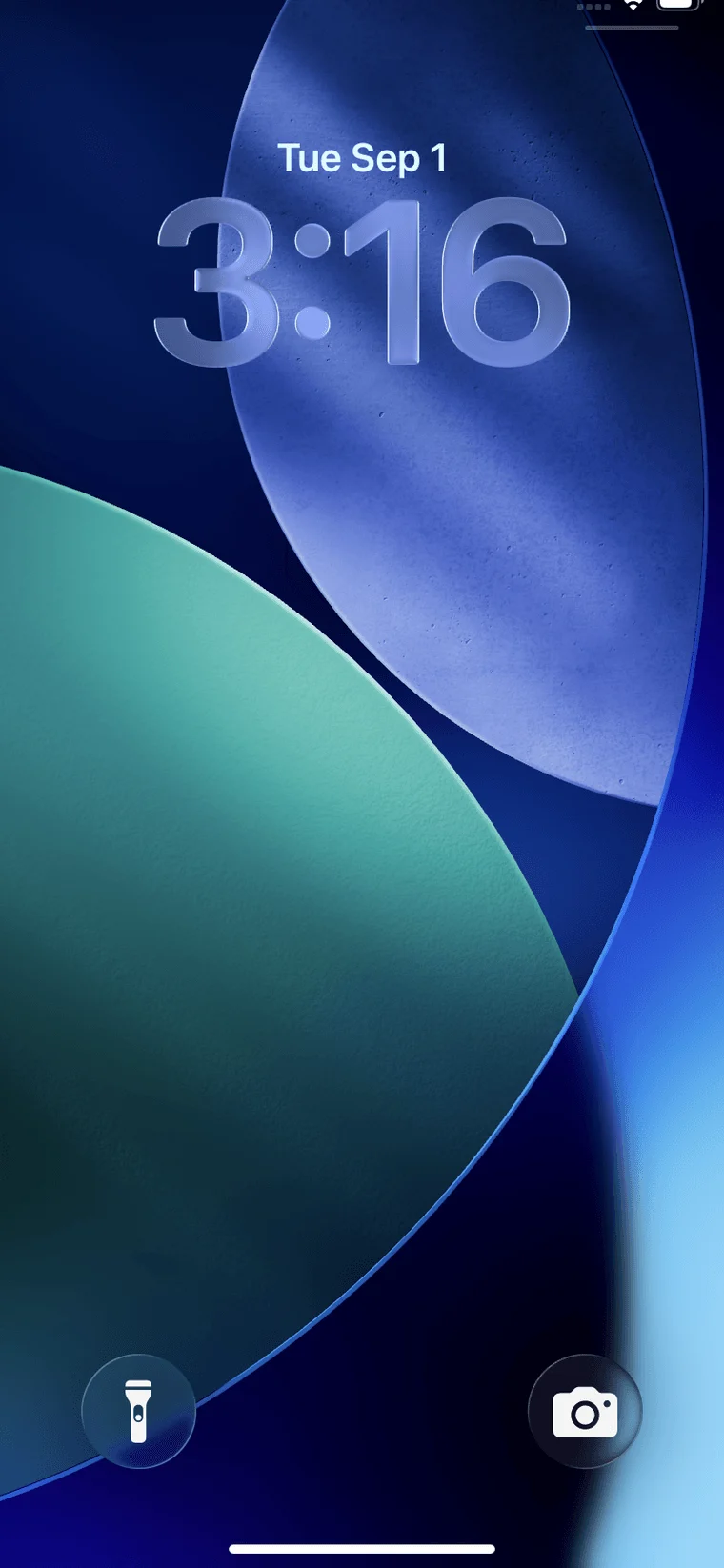
This is an on-page preview of how the notifications look on a lock screen. Real push starts once the app is installed on your phone.
Access
Every plan includes the same set — only the length differs.
- Every app in the collection
- Custom balances and history
- Notification waves
- New wallets released during your term
Pay by Russian card or crypto. Full refund within 7 days if the product does not work or is not compatible with your device.
Common questions
Trust Wallet, Phantom and Green Bank work the moment you pay. Exodus and Ledger Live are queued — they open under the same access, at no extra cost.
The balance in roubles, dollars or coins, the transaction history, which coins are listed, and the name and icon on your home screen.
Yes. On iPhone: open the link in Safari and tap Share → Add to Home Screen. On Android, the same in Chrome. Native App Store and Google Play builds are in preparation.
Yes. The schedule lives on the server: you set the currency, the range of amounts, the frequency and the duration, and push arrives for all of it.
We queue them up from requests and release them one at a time. They appear in your account automatically for as long as your subscription is active.
From your account, at any time. Extending uses the same payment method; if you cancel, access runs to the end of the period you paid for.